Education Perfect – Background

The Education Perfect platform has been reviewed by science teachers as a 21st Century interactive teaching and learning resource which students are enjoying using due to its visual appeal, accessibility for a wide range of students, its competitive nature and exciting visuals. (Ansourian, 2014, p. 57)
The platform contains:
- The content library – containing pre-loaded lessons (smart lessons) related to NSW syllabus called “Education Perfect Content” as well as any content developed by others.
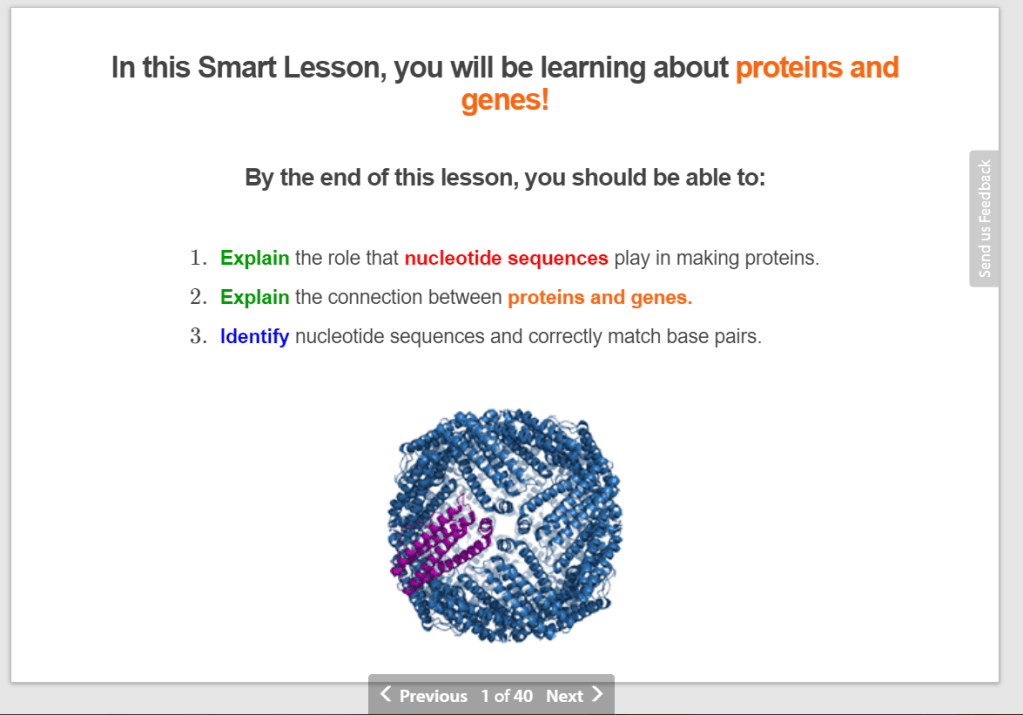
Example of a slide from a smart lesson
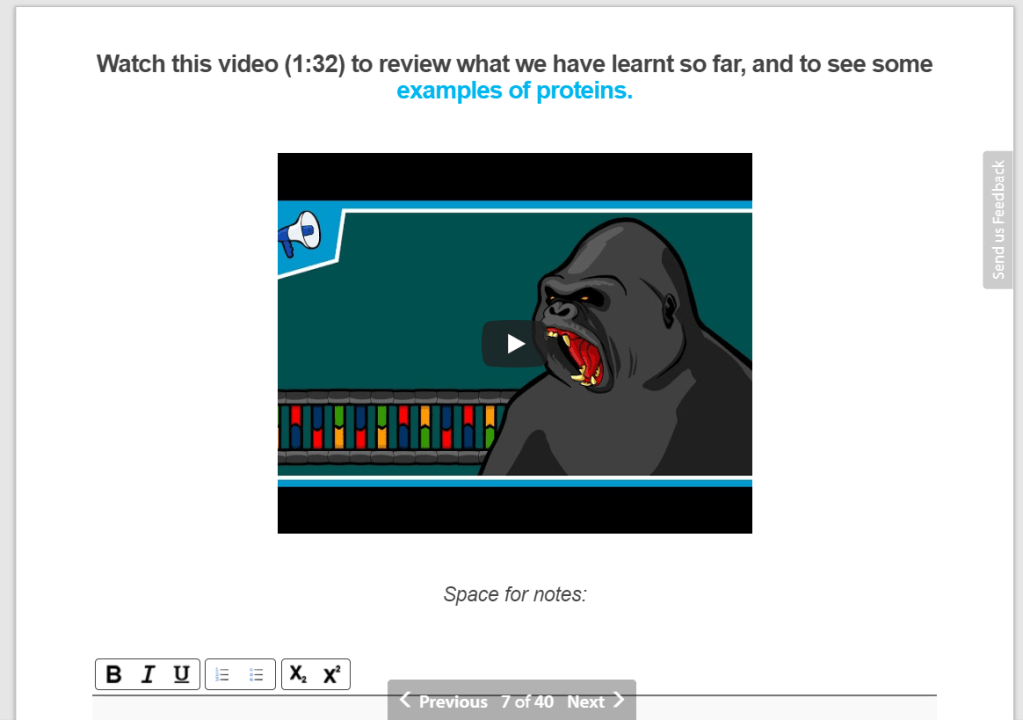
Example of a slide with embedded video content
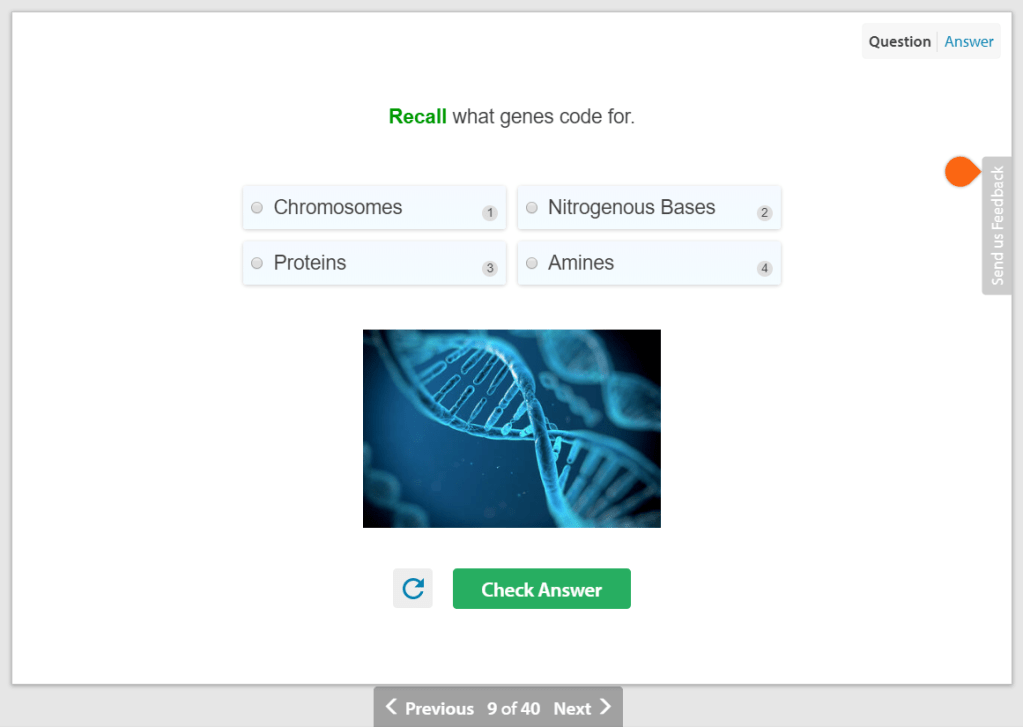
Example of a slide with a multiple choice question
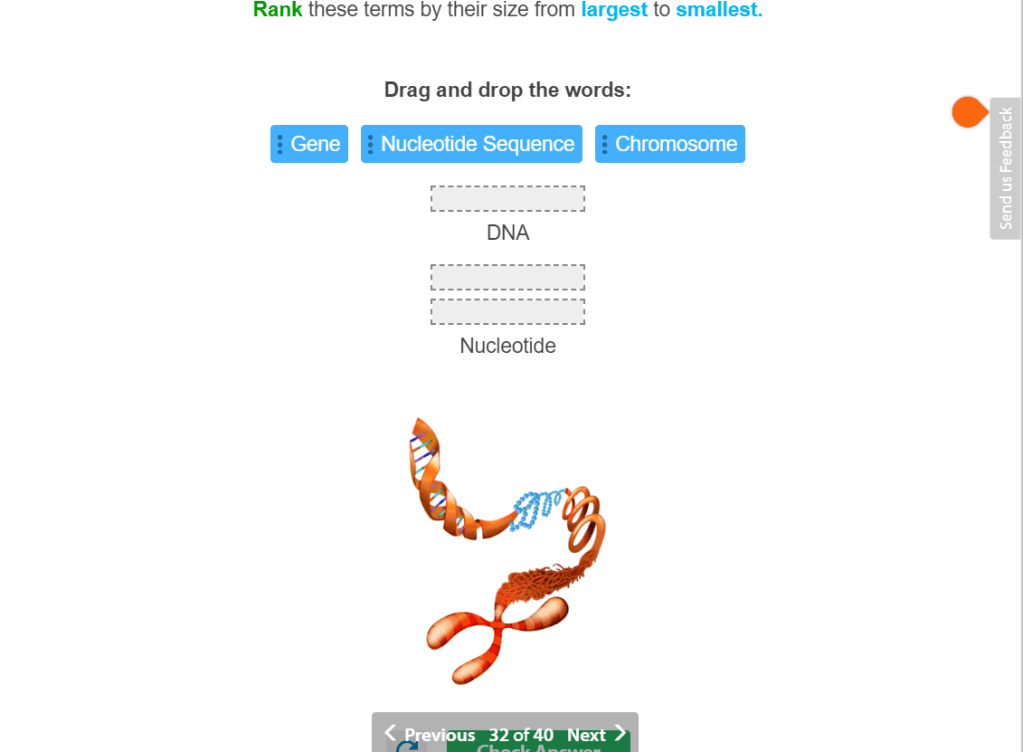
Example of a slide with drag and drop slide questions
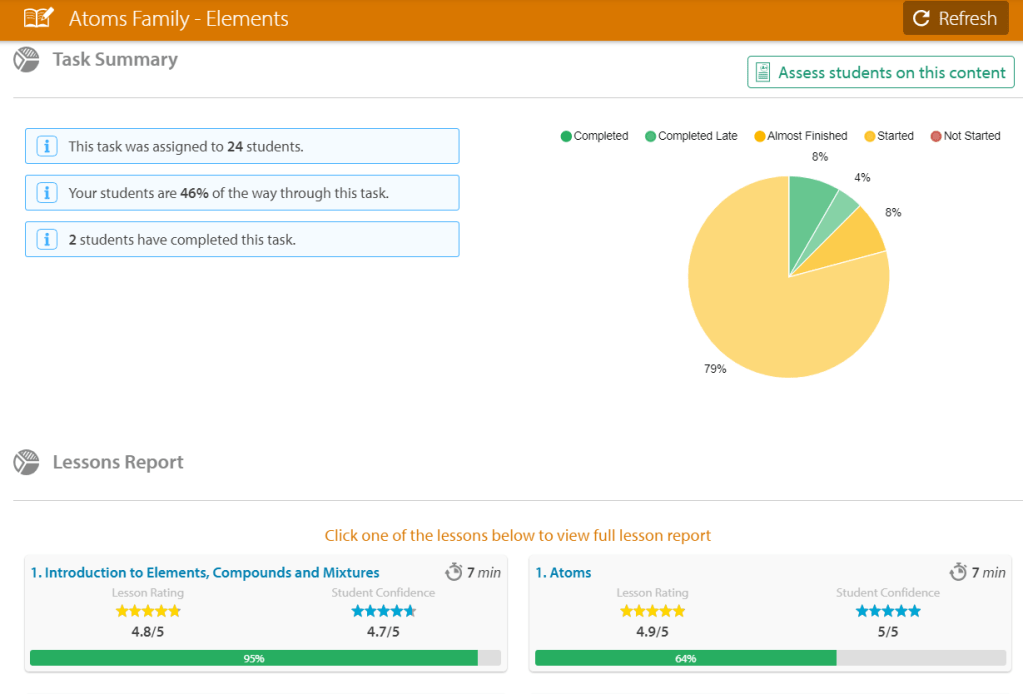
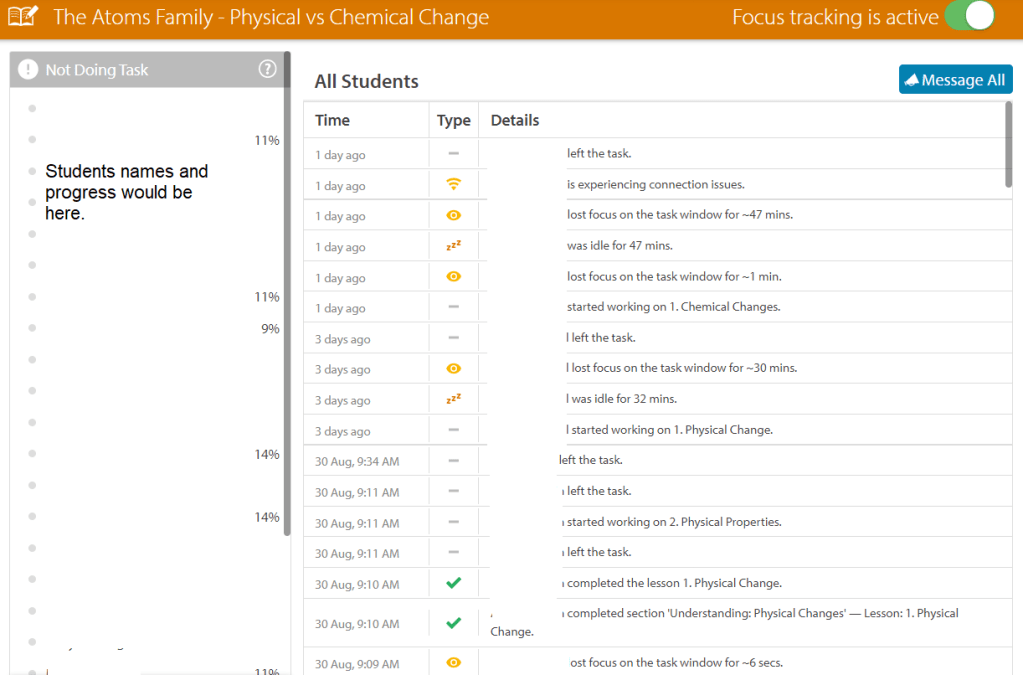
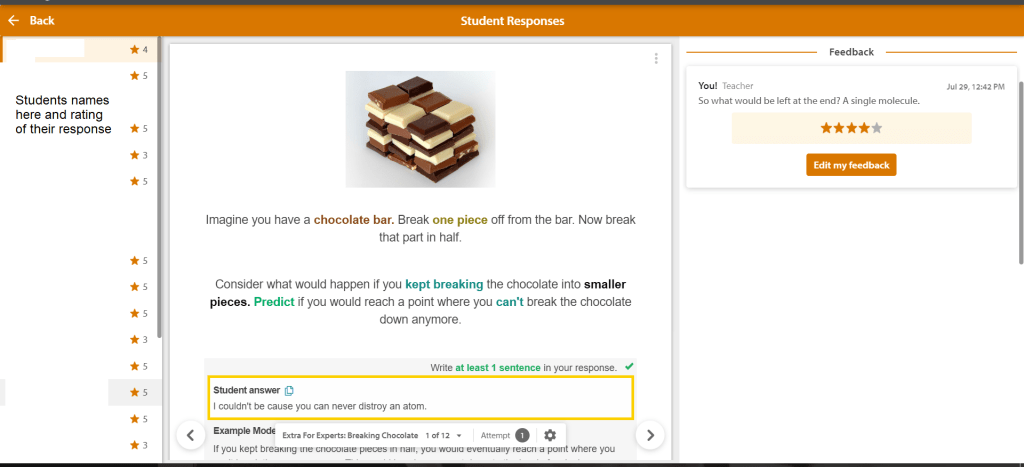
- Tasks and Homework – if a smart lesson is assigned to a class Education Perfect will enable focus tracking, rate student learning and show submission of responses.
Example of a progress summary of my class
Example of focus tracking of my class
Example of my own class receiving feedback on their writing through this platform
- Assessments – Tasks for summative or formative feedback on an area of the syllabus
- Competitions – enable students to earn points, awards and, for inter-school competitions, earn certificates, cash prizes and scholarships
Education Perfect – Affordances
“Affordances” as defined by Bower, M. (2017), p. 67, are “The action potentials inherent in an object (for instance a technology) that determine how it can be used.“
Media Affordances
Education perfect has written text, images, sounds, videos, and ability to write. It does not allow students to draw, upload audio or video recordings.
Spacial Affordances
The platform for students is fixed, however it is able to be altered by teacher editing pre-loaded content or teachers generating original content.
Temporal Affordances
The platform can be access at anytime-anywhere and all parts of the lesson can be played back and can be accessed at different points by different students.
Navigation Affordances
Students and teachers have open access to all lessons (but teachers can see all assessment tasks) which means they can search for key words.
Access-control affordances
Education perfect has many options for settings such as:
- Accessibility of assessment tasks
- Browser lock down for assessment tasks
It does not allow students to share content with the teacher and/or each other.
Education Perfect – What tasks it can and cannot support
Education Perfect can support summative and formative learning of science concepts. It can be used to support differentiation in learning as the platform is able to suggest remedial tasks for specific students as it tracks their learning as they progress through a lesson.
Education perfect cannot support tasks where students would work in teams to share and collaborate to produce products or share their thoughts with each other. It does not enable higher order thinking problem solving tasks or inquiry based learning. It is static and instructive and not a collaborative platform.
References:
Ansourian, Vatche. Education Perfect: Science [online]. Teaching Science, Vol. 60, No. 4, Dec 2014: 57. Availability: <https://search-informit-com-au.simsrad.net.ocs.mq.edu.au/documentSummary;dn=822953624729865;res=IELHSS> ISSN: 1449-6313. [cited 07 Sep 19].
Bower, M. (2017). Design of technology-enhanced learning – Integrating research and practice. Bingley, UK: Emerald Publishing Group
Education Perfect | Making great teachers extraordinary. (2019). Retrieved 7 September 2019, from https://www.educationperfect.com/
 EDCN865 e-Porfolio - Julia Gale